For specialists HIPAA compliant

Referred isn’t scheduled. We close the gap.

About a third of referred patients never book. We find the ones who drift, reach out to them, and follow them to your chair. One recovered referral every few months covers VoiceReferral Pro.

  • Voice-generated letters make it easier for your network to refer to you
  • End-to-end tracking and reminders
  • Share any available appointments with your doctors to create urgency

The month doesn’t start until your first referral arrives.

Our Story…

“I’ve referred over 2,000 patients in my career. My ideal referral would be impossible: the patient, their dentist, and the specialist all sitting down together, before and after the visit. VoiceReferral is my way of getting as close to that as possible. Not all at once, but in our own voices, in both directions. At its heart, VoiceReferral is about communication and continuity of care for the patients we share.”

John Stark, DDS

How VoiceReferral Pro works · 1:51
Start your free month Your month doesn’t start until your first referral arrives.
Where we shine

We make it easy for GPs to refer. So what do we do for specialists?

Most referral letters arrive missing critical patient contact details, leaving your team to hope the referral calls. VoiceReferral Pro fixes that. Simply snap a screenshot of a referral. We extract the data to your tracking portal, collect the missing contact information or x-rays, and handle the outreach to both the patient and the referring office — tracking the patient right to your chair. By automating follow-ups and closing the communication loop, we help you reclaim the 35% of patients who too often slip through the cracks.

  • Snap it Screenshot any referral — fax, PDF, or portal
  • We fill the gaps Data lands in your portal; missing contact information or x-rays collected
  • We close the loop Patient and referring office worked until they’re in your chair

Manage. Capture. Find.

VoiceReferral Pro

Five common problems, and how we solve them. Tap a card to see the solution.
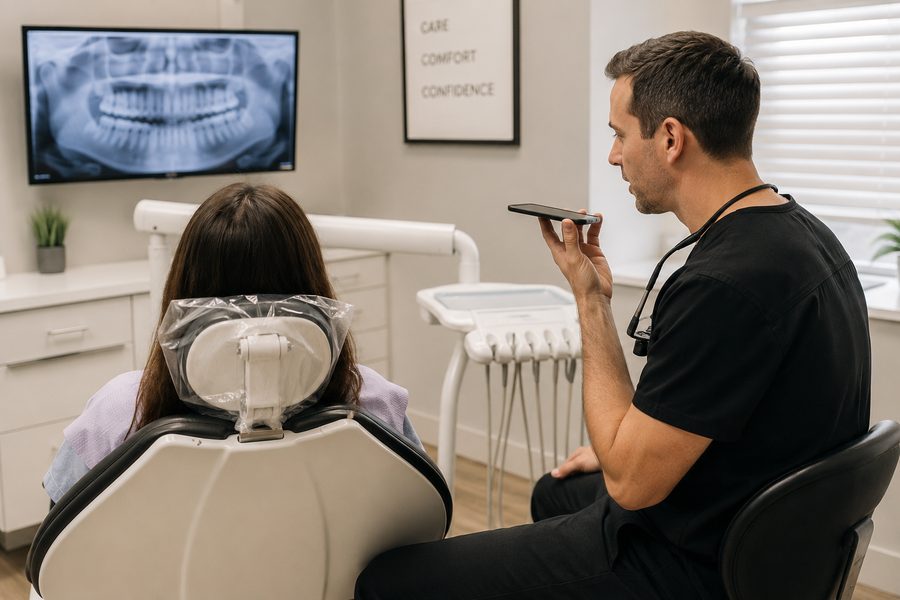
A dentist sitting chairside speaking into a phone, recording a referral in front of the patient
Problem 1 Referrals arrive in every format ProblemSolution
Most referrals don’t come through a tracking system.

They come by fax, email, PDF or another portal, so adding them to a tracker means typing them in.

See the solution
Problem 1 Referrals arrive in every format ProblemSolution

Screenshot it, and we fill it in.

Paste a screenshot of any referral, and the patient, the referring doctor and the request are added to your tracker. Referrals sent through VoiceReferral are added automatically.

Problem 2 Missing items ProblemSolution
Referrals often arrive incomplete.

X-rays, insurance or the patient’s cell number have to be requested from the referring office.

See the solution
Problem 2 Missing items ProblemSolution

Tell us what’s missing, and we request it.

The referring office gets one link to upload it, and it’s added to the referral. If nothing comes back, we follow up on day three and day five.

Problem 3 Insurance verification ProblemSolution
Verifying insurance takes a call or a portal login for each patient.
See the solution
Problem 3 Insurance verification ProblemSolution

Paste the insurance card, and we verify it.

Coverage, network status, remaining maximum and deductible are checked under your own NPI, and the summary is saved on the referral.

Problem 4 Scheduling ProblemSolution
Some referred patients don’t schedule right away.
See the solution
Problem 4 Scheduling ProblemSolution

The referral includes permission to text the patient.

Your office texts them the day they’re referred with your address, your phone, and an ask for a photo of their insurance card. They just text back, and requests to schedule land on your to-do list. If they haven’t scheduled by the point you set, we send a reminder, and the referring doctor gets an update.

Problem 5 Cancellations ProblemSolution
Last-minute cancellations are hard to fill.
See the solution
Problem 5 Cancellations ProblemSolution

Share the opening with your referring offices.

It shows on their screens while they choose where to send a patient, and patients on your short-call list get a text. The first one to say yes gets it.

And while we're at it

  • Easy messaging between your front desk and your referring offices
  • Image sharing, including CBCT, DICOM, and STL files
  • Analytics showing who is falling off your radarRolling out
  • New dentists in your area — general dentists newly licensed or just moved in within 15 miles, named within a week of arriving, so you can introduce yourself first
  • VoiceReferral in Reverse — your referring doctors hear what you did, and your thanks, in your own words. Free for every specialist.
  • Status updates — referring doctors see their patient's progress through your office
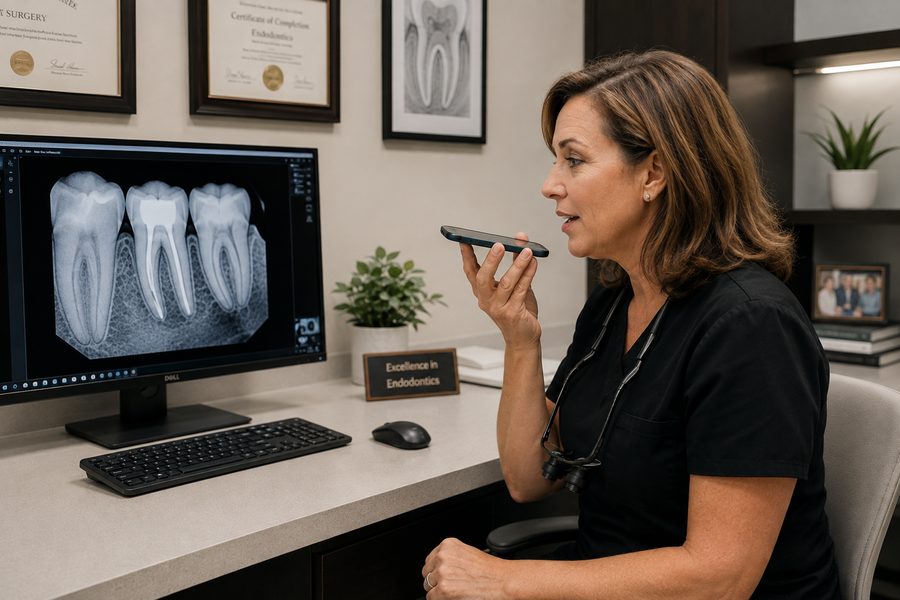
An endodontist at her desk speaking into her phone, recording a report back to the dentist who referred the patient

“Hearing thank you for sending a patient over means so much more than reading it.”

Dr. Halliday, on VoiceReferral in Reverse

Best practices

Bringing your network on board

No one has to use VoiceReferral for you to benefit. Here is what the offices getting the most out of it do.

One

Start with the referrals you already get

Screenshot the referral letter, paste it into VoiceReferral Pro, and AI reads it and adds it to your portal. Nothing changes for the office that sent it — and you can now manage and track all of your referrals in one place.

Two

Send an invitation in your own words

Invite each doctor through VoiceReferral. They hear you talk about it in your own voice, and hear VoiceReferral in action. We have pre-made scripts, or use your own.

Three

A personal text goes further than a campaign

Many of our doctors have had the most success simply sending a personal text or email with a link to their VoiceReferral page as an introduction.

Four

Report back by voice, every time

Use VoiceReferral for every report-back letter you send. Your network will hear the warmth, clarity, and speed of verbal communication.

Questions specialists ask

Do my referring doctors have to buy anything?
No. Generating and sending referral letters is free for them, forever — a 90-second voice interview instead of paperwork. An office that would rather keep faxing changes nothing: your front desk pastes whatever they send and the fields populate themselves.
How do I know my messages are being read?
A note you write on a referral goes to the other office as an email from your practice, with the referral linked. They reply to it like any email, and the reply lands on the referral in your portal and reaches your desk. Nothing waits on anyone remembering to log in.
Do I have to change my practice management software?
No. VoiceReferral sits alongside whatever you run. Letters land in your portal the moment they're generated, with fax or email as redundancy, and the portal installs as an app on your phone and your front desk's.
How can you text my referred patients legally?
Contact info and consent are captured with the referral itself, before anyone reaches out. Every message names the practice sending it and honors an opt-out. You can reach out yourself, too.
What about x-rays and CBCTs?
Images ride along with the referral — CBCT, DICOM, and STL. One-click download from the portal, no thumb drives and no file-share links to chase.
Is it HIPAA compliant?
We sign a Business Associate Agreement with every office — the current version is noted in the footer — and referrals sit behind per-office logins.
What happens if I cancel?
Month to month, cancel any time. The free letters keep arriving either way, and nothing you already received goes away.

Flat price. No contract.

VoiceReferral Pro is $189 a month, and your first month is free — the clock doesn't start until your first referral arrives. Insurance verification under your own NPI is included. Month to month, never per referral, and the free letters keep arriving either way. If you cancel, nothing you already receive goes away.

Start Pro — first month free See pricing